Git diff tips and tricks
git diff is one of the commands I use the most in my day to day development. For the record, I’ve used this command to check if that’s really the case
awk '{print $1 " " $2}' ~/.bash_history |\
  sort |\
  uniq -c |\
  sort -nr |\
  head -n 10
This will print out a list of your top 10 most used bash commands. It’s a good idea to look here for alias candidates.
 116 git s
  38 ruby -Itest
  36 ls
  34 ..
  22 git add
  19 git d
  17 git commit
  12 git push
  11 ./bin/deploy
   7 vi new_apartment_notifier.rb
Turns out git diff is right below git status and git add and above git commit in my case (d is a git alias I use for diff and s is for status). I usually check the diff right before I commit, so it makes sense.
With that in mind, I’ve made sure to improve the look and feel of git diff over the years and I would like to share some tips.
Colour
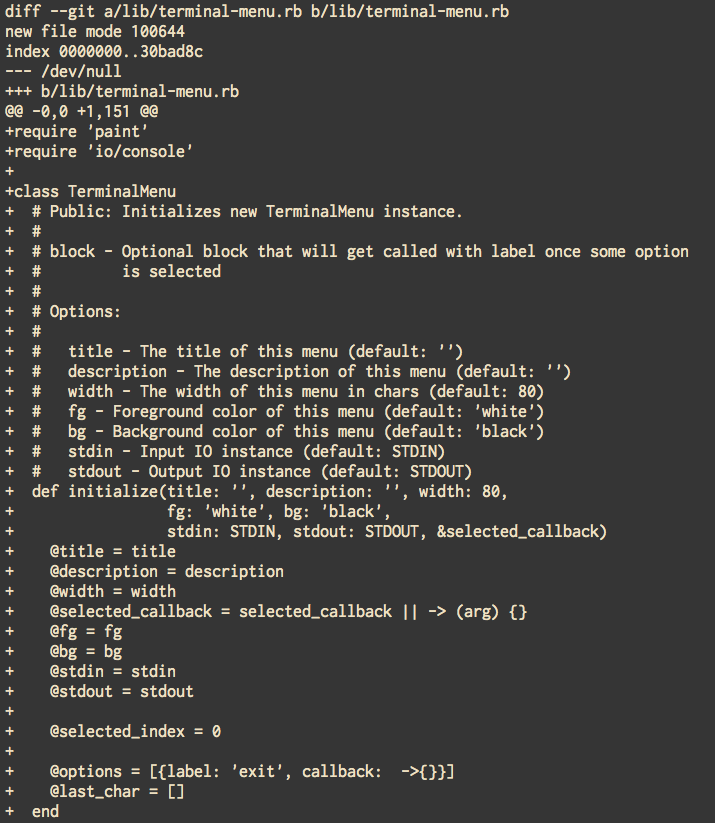
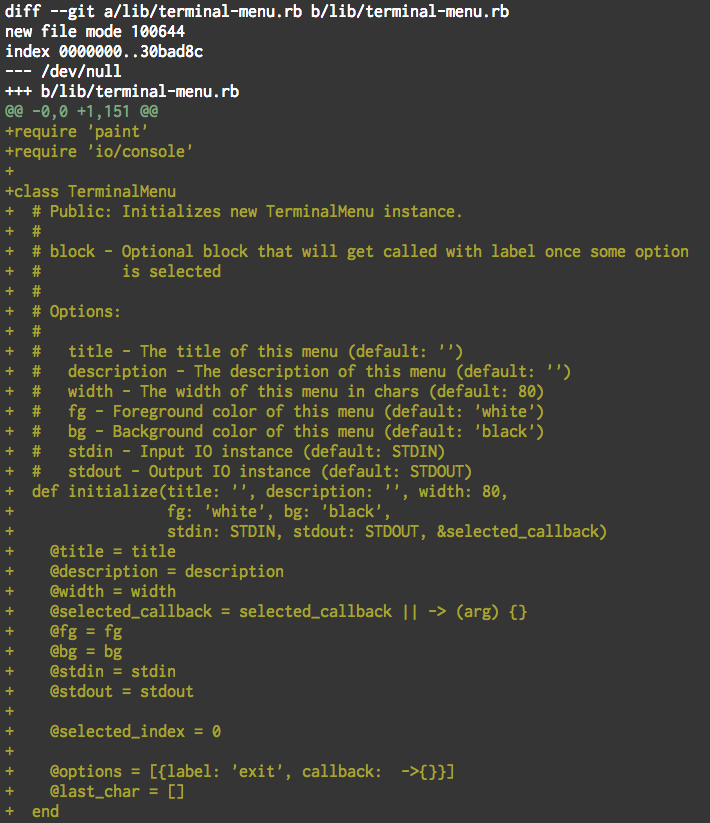
Colour is the first thing that comes to mind when optimizing diff output. If you’re using git that’s newer than 1.8.4, colour will be enabled by default. To enjoy some pretty colours in your output on older versions of git, all you have to do is
git config --global color.ui auto
No whitespace
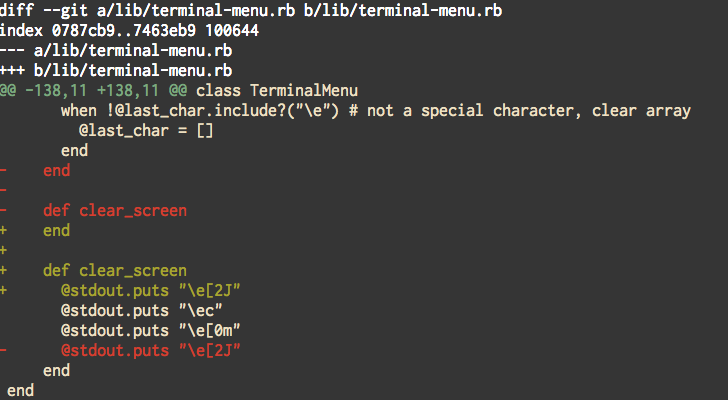
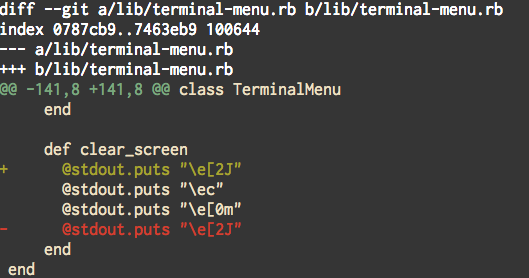
To ignore whitespace changes in a diff, you can either use git diff -w every time, or create an alias for it with
git config --global alias.d 'diff -w'
Now you can enjoy outputs without whitespace changes with git d.
Crazy styling
As you may know, git 2.10.0 has been released a couple of days ago and it comes with more styling options you might be interested in. It supports: normal, black, red, green, yellow, blue, magenta, cyan and white as colour options and bold, dim, ul, blink, reverse, italic, and strike as styling attributes.
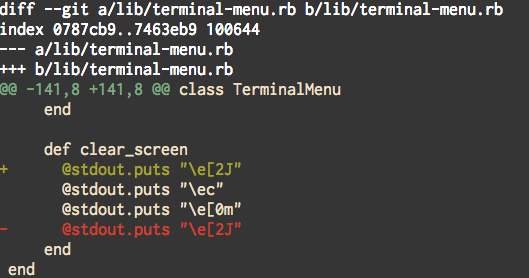
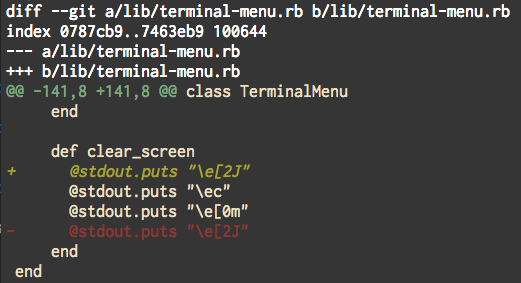
To set up one of these options as a default, I’ve used the following commands
git config --global color.diff.old "red dim"
git config --global color.diff.new "green italic"
Better heuristics
Using #git 2.9+? You should immediately enable `--compaction-heuristic` for improved diffs. Comparison below. pic.twitter.com/vXmDmYg5l3
— John Feminella ✈ DFW (@jxxf) June 14, 2016
Tweet sums it up pretty well. To make this a default option, all you have to do is
git config --global diff.compactionHeuristic true
Removing +/i signs from diff lines
As a cherry on top and as a reward for making it all the way, let’s remove those pesky +/- from the start of diff lines, that always mess with copying something from the diff.
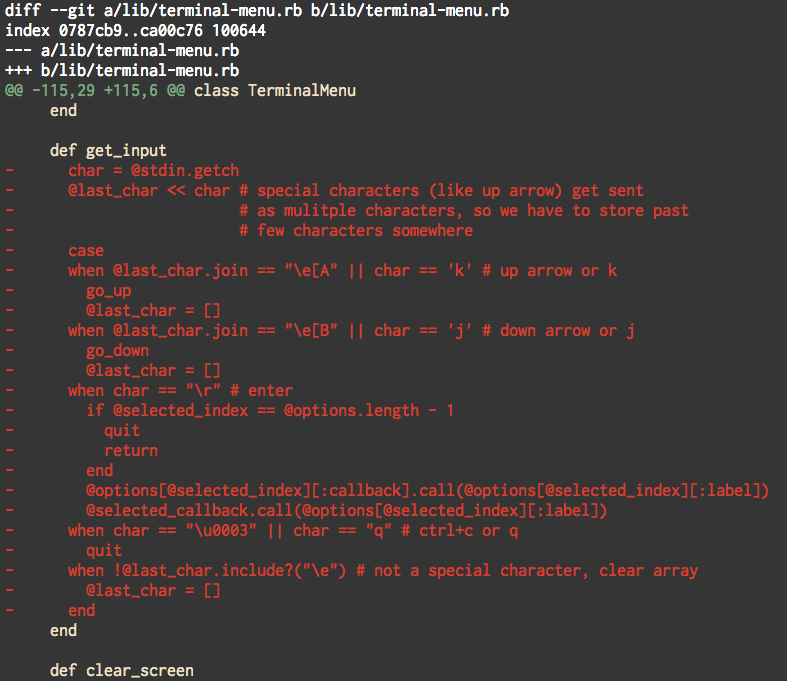
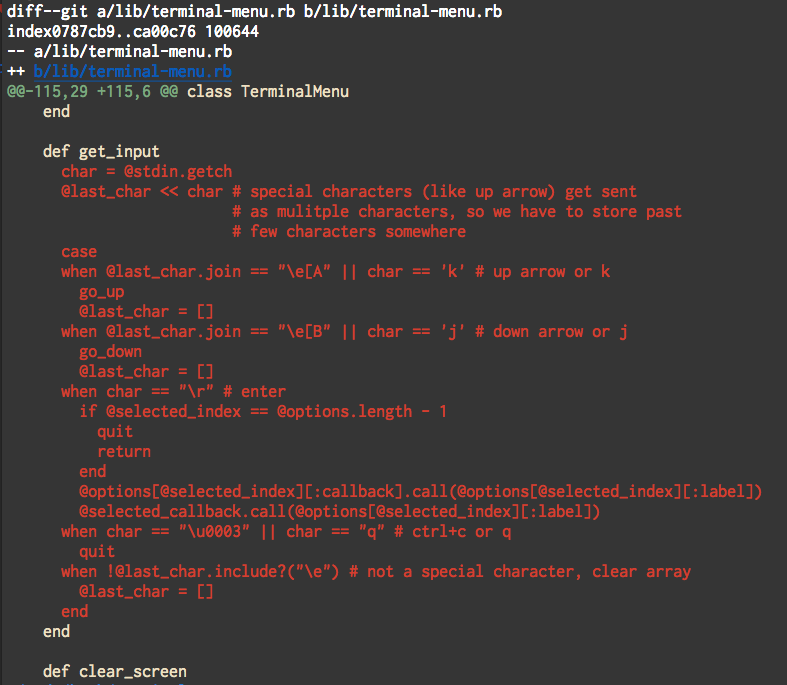
Use this command to make it happen
git config --global pager.diff 'sed "s/^\([^-+ ]*\)[-+ ]/\\1/"'
Bonus point for removing +/- from git show and git log too
git config --global pager.log 'sed "s/^\([^-+ ]*\)[-+ ]/\\1/"'
git config --global pager.show 'sed "s/^\([^-+ ]*\)[-+ ]/\\1/"'
That sums up all the diff tricks I’m aware of. If you happen to know something that’s not mentioned here, feel free to shout at me on Twitter, I’m @shime_sh.
Also, make sure to check out pretty popular library for dealing with git diffs called diff-so-fancy which comes with a lot of pre-baked tricks.